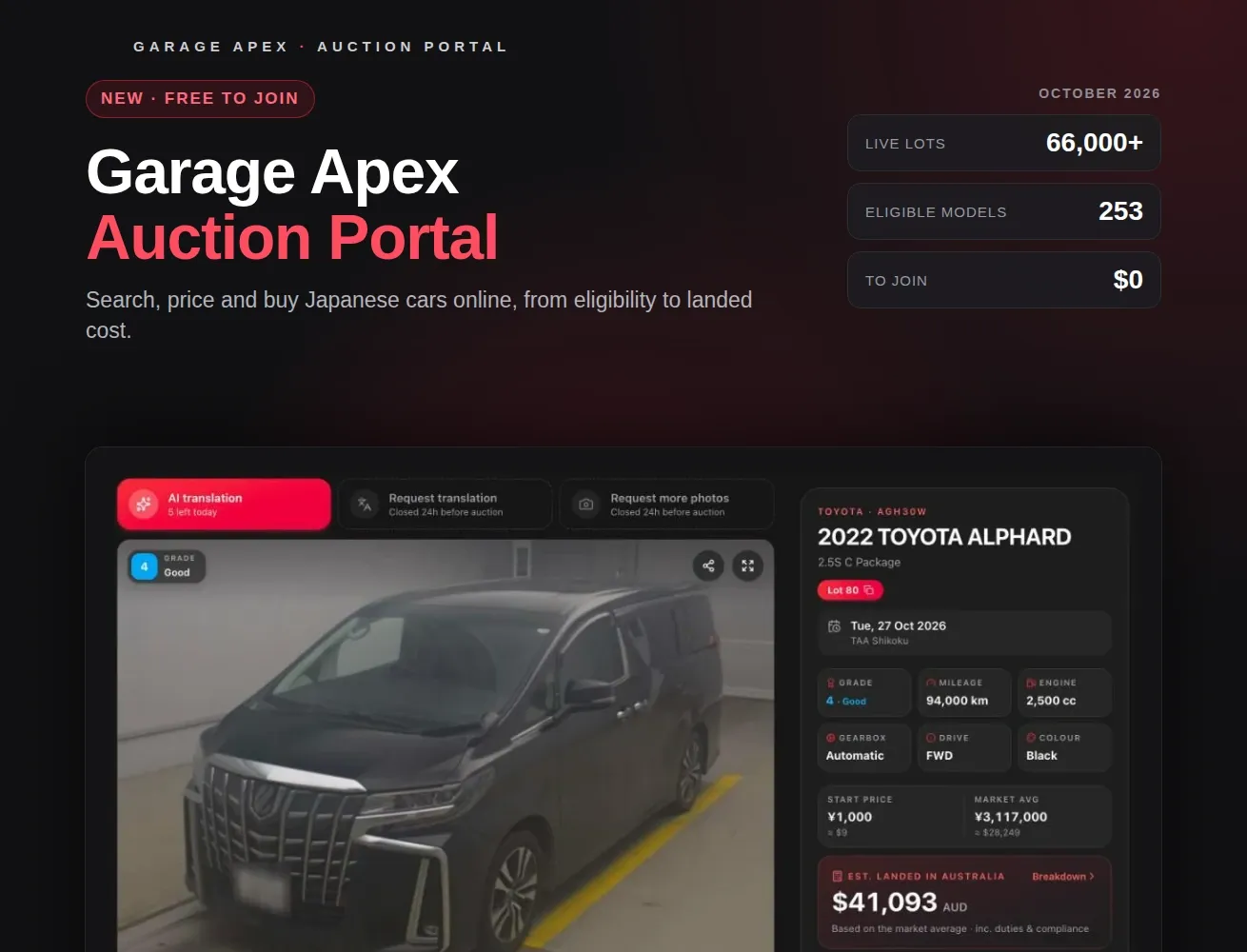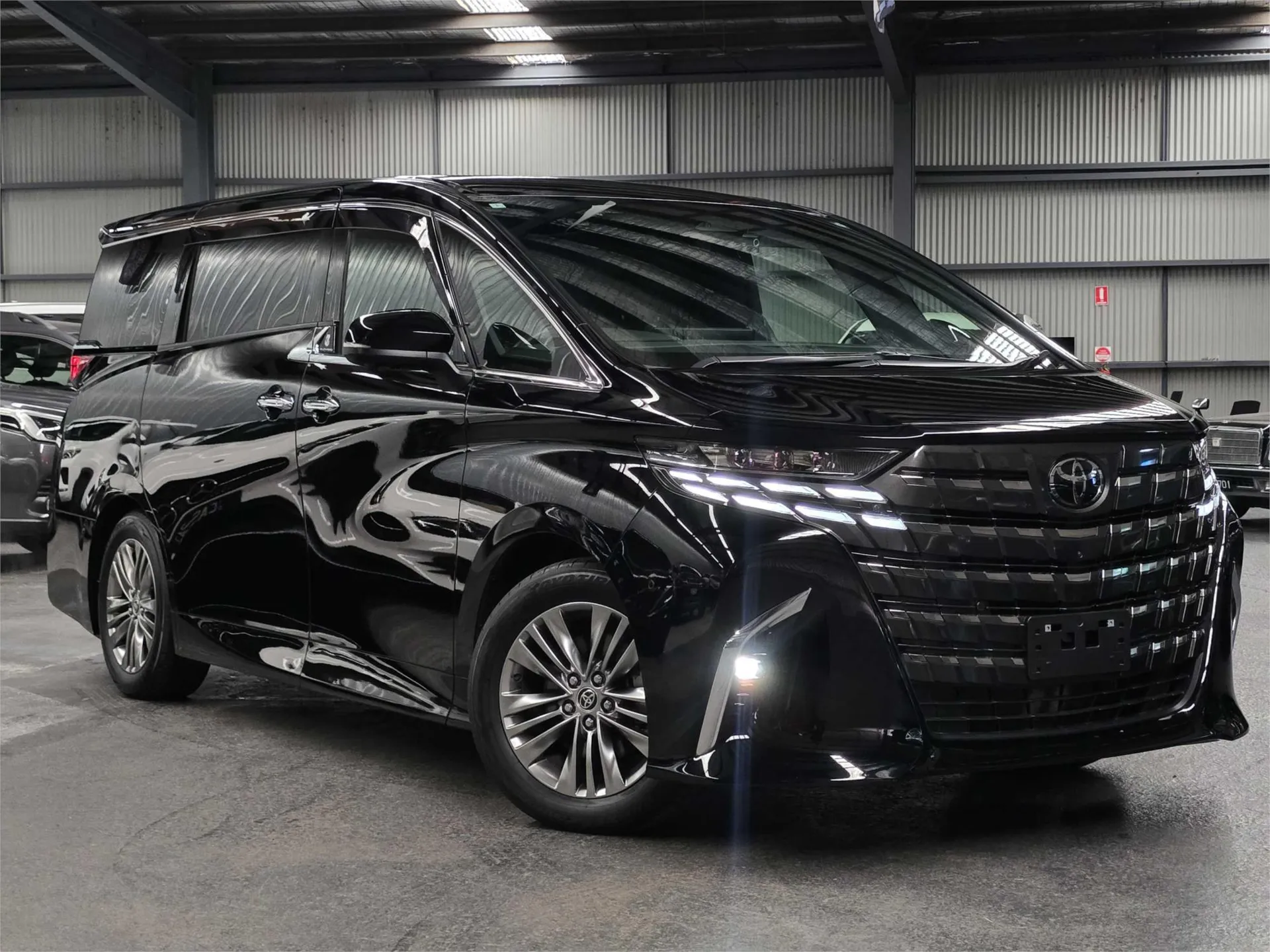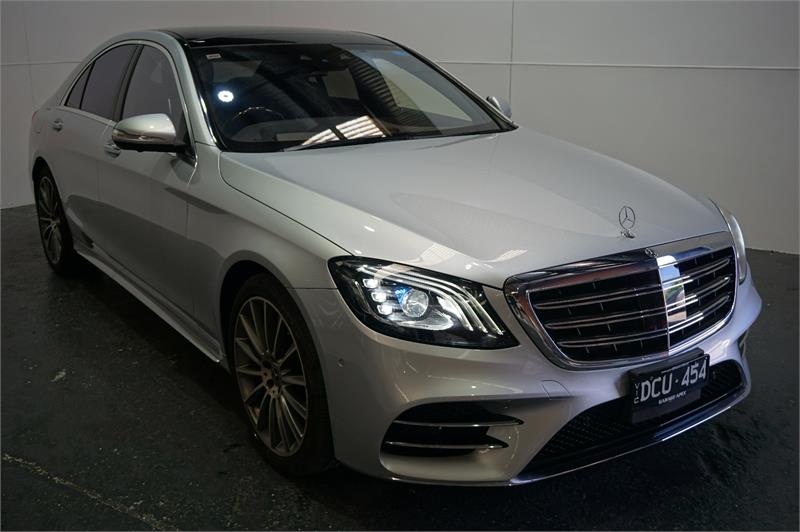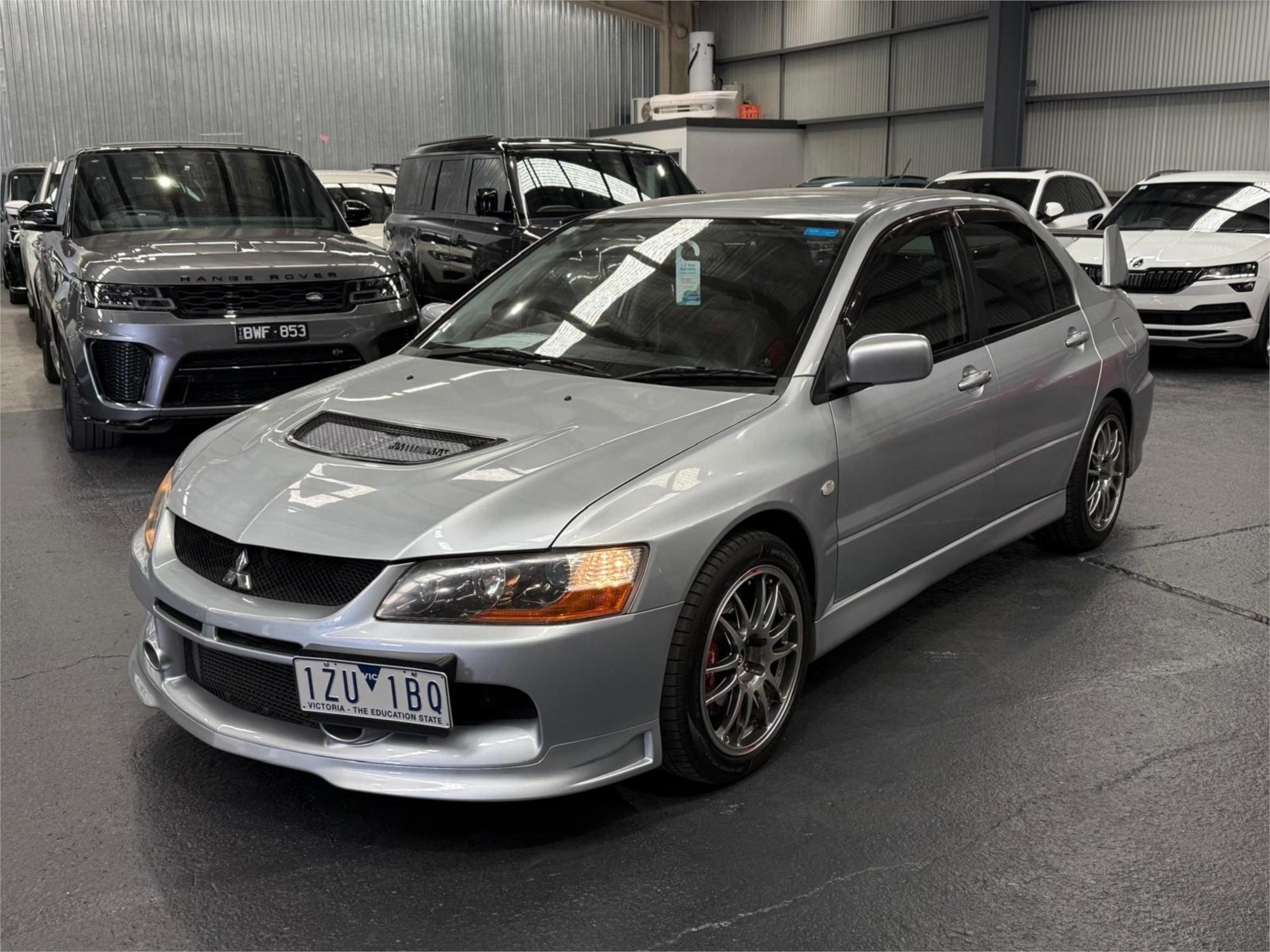
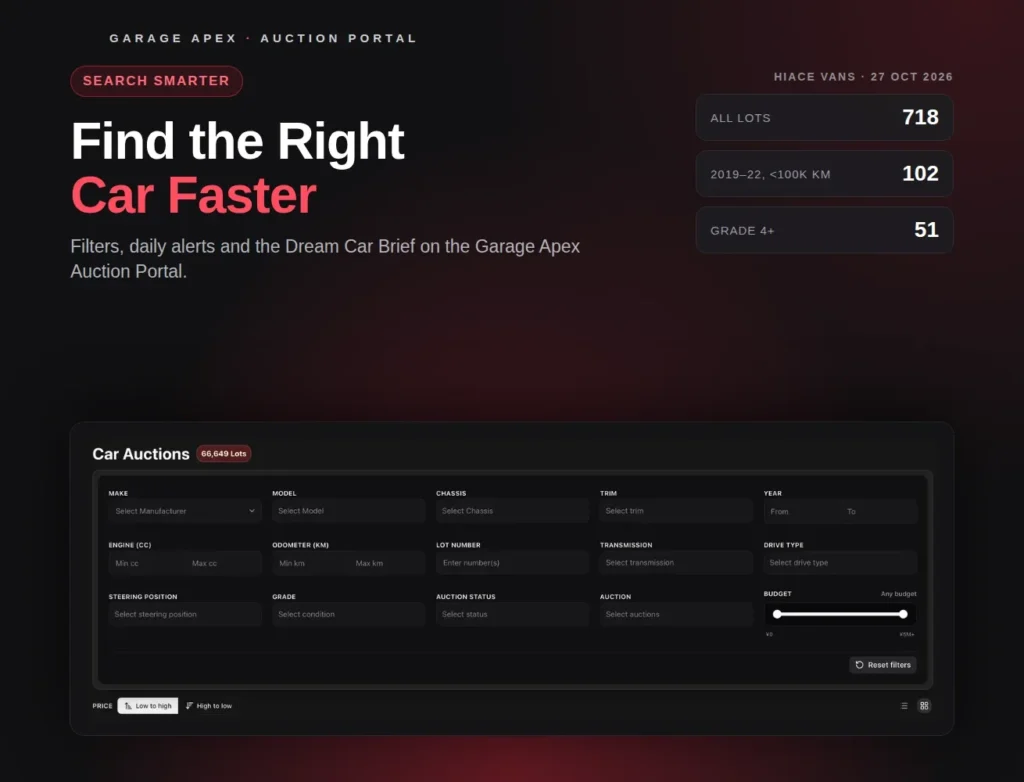


When we checked on 27 October 2026, the Garage Apex Auction Portal listed more than 66,000 cars from auctions across Japan. Somewhere in there is the one you want. The hard part is finding it before someone else does, without spending every evening scrolling.
This guide covers the tools that do the searching for you: eligibility-first search, filters, saved searches with daily alerts, the Dream Car Brief and your Garage Apex rep.
1. Start with cars you can import
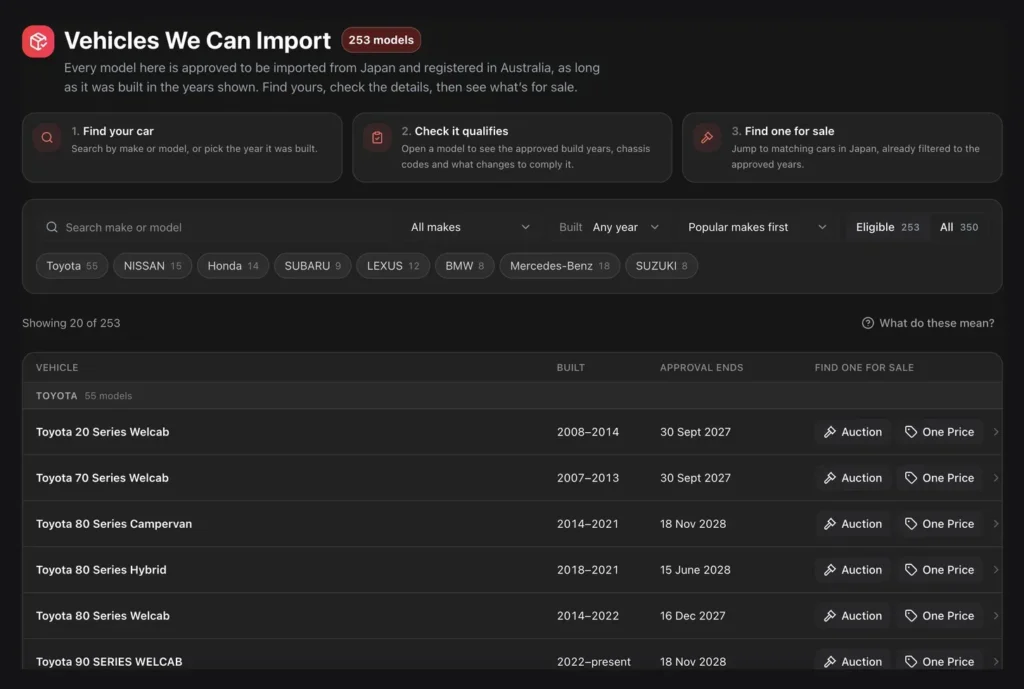
The fastest way to waste time is to fall for a car that can’t be registered in Australia. So start in Vehicles We Can Import, which lists 253 models currently approved for import from Japan, with their build years and approved chassis codes.
Pick a model and click Find one at auction or See One Price cars. The portal opens the live listings already filtered to the approved chassis codes, so everything you see is eligible. See the full list of cars we can import to Australia.
You can also check any model against the government’s Specialist and Enthusiast Vehicles Register.
2. Narrow it down with filters
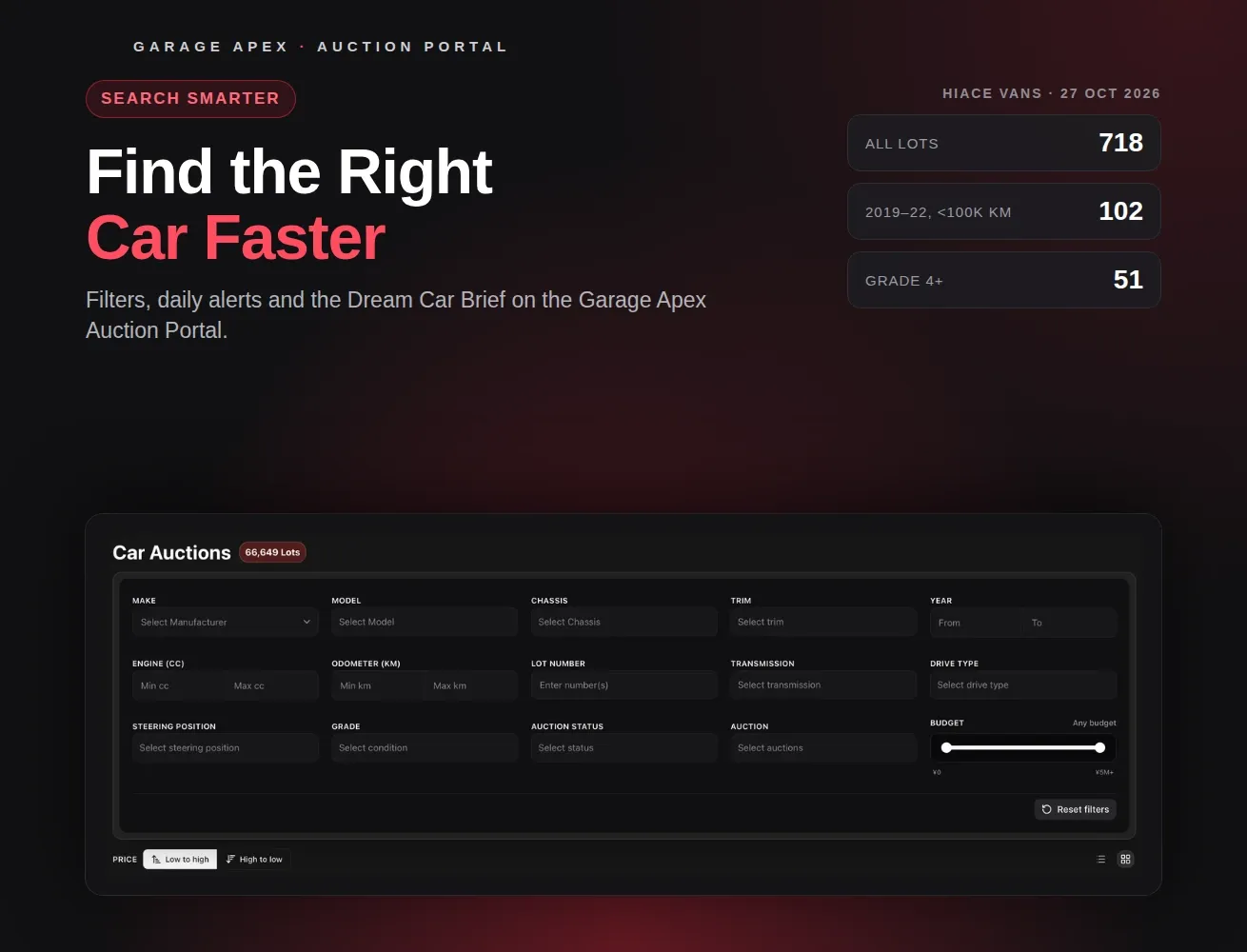
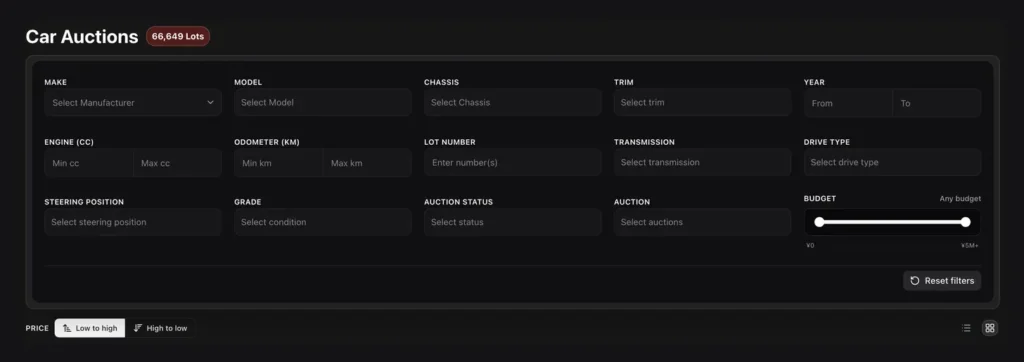
Car Auction has a filter for almost everything on an auction listing:
- The car: make, model, chassis code, trim and year.
- The spec: engine size, kilometres, transmission, drive type and steering position.
- The sale: grade, auction status, auction house, lot number and a budget slider in yen.
Three filters do most of the work. Chassis code is more precise than the model name, because one model can cover several generations. Grade removes cars that need more work than you want. Budget keeps you within what you can afford before import costs. Sort by price, and switch between grid and list view.
Here’s how fast it narrows down. On 27 October 2026, the Toyota Hiace Van had 718 lots listed. Limiting it to 2019–2022 builds under 100,000 km left 102. Adding grade 4 or better left 51: a shortlist you can read through in one sitting. Save that search on Standard, and the matches come to you each morning.
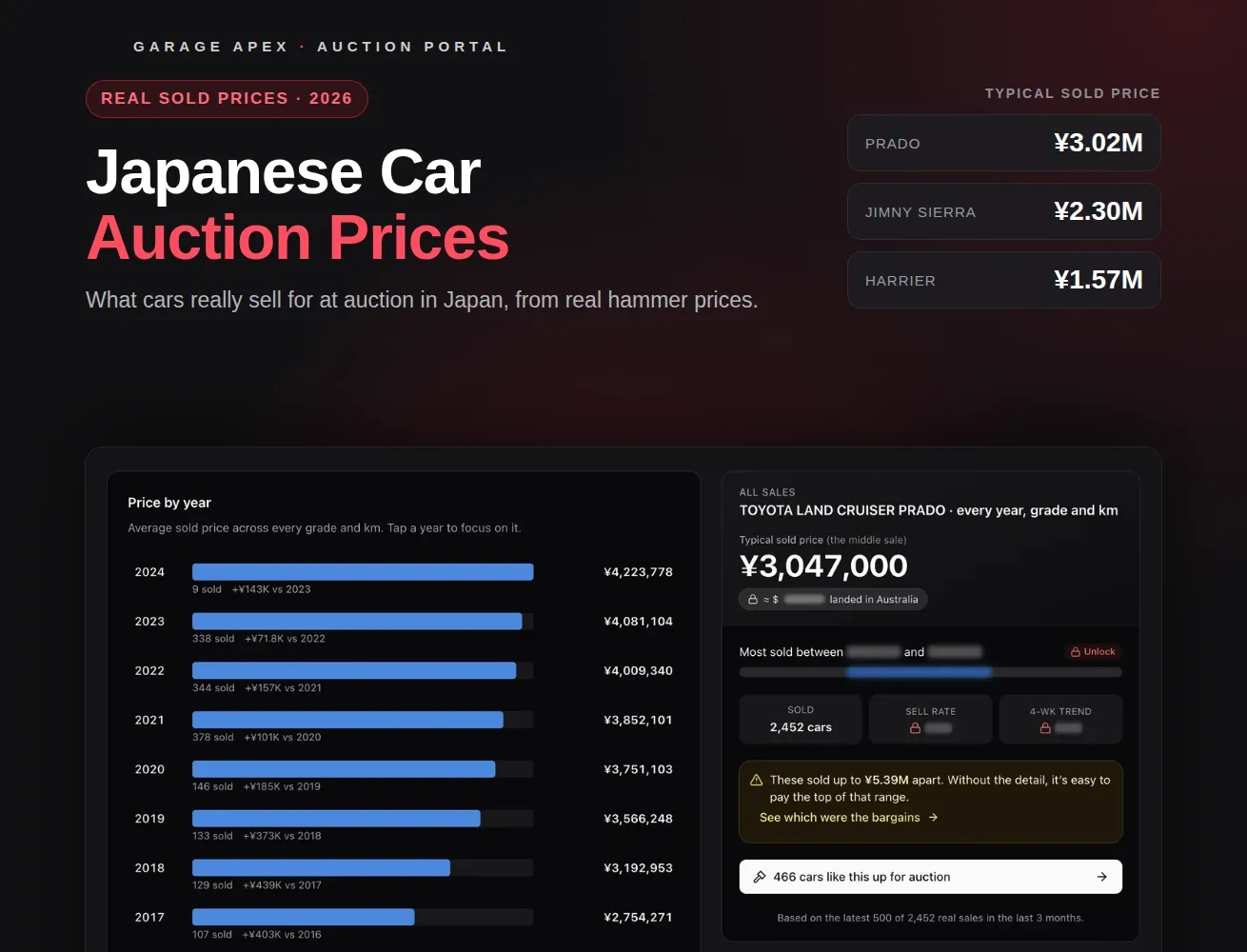
Not sure what a grade means? Our guide to Japanese car auction prices explains each grade and how much it moves the price. You can also see today’s highlights on our Japanese car auctions page.
3. Save your search and get daily alerts
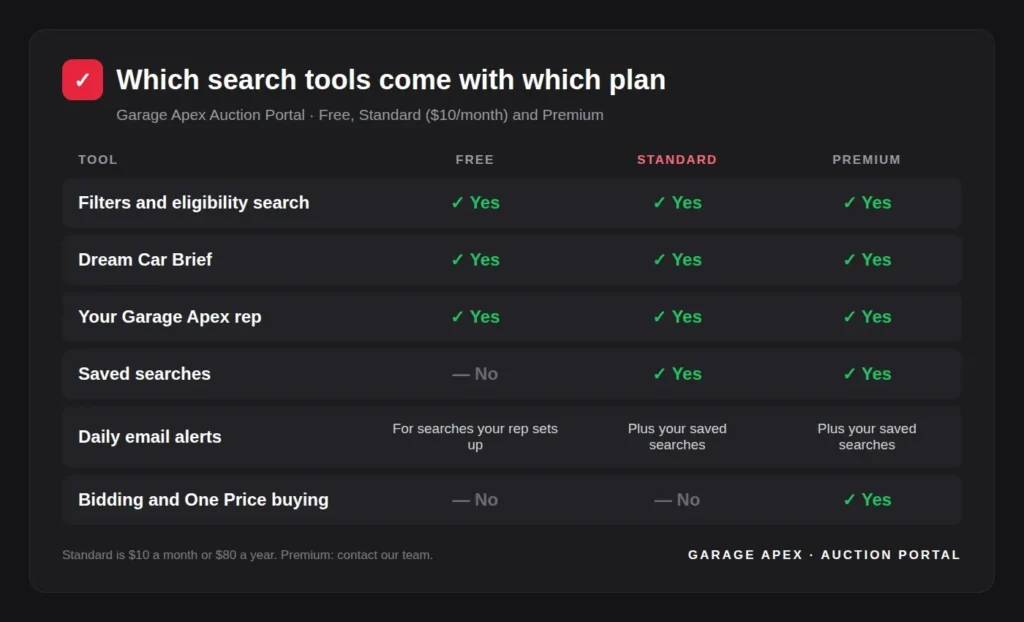
On Standard ($10 a month) and Premium, you can save any search and come back to it in one click. There’s no limit on how many you save.
Alerts arrive as one email each morning with the matches for your saved searches. On Free, you get the same daily email for searches your rep sets up for you.
4. Let us watch with a Dream Car Brief
If you’d rather not set up searches at all, build a Dream Car Brief. Pick up to 6 cars you’re interested in, in under a minute. We then watch the auctions every day, and matches appear in My Cars.
The Dream Car Brief is free on every plan. New accounts see it straight after signing up, and you can come back to it from My Cars at any time. Prefer to explain what you want in your own words? Message your rep instead.

5. Let the portal suggest alternatives
Two shortcuts help when your first choice isn’t available:
- Similar cars. Every lot page shows other cars matched on make, model, year and specs, each with a match score.
- Cars like this up for auction. In the Price Guide, each model shows how many similar cars are coming up for auction, with a link straight to them.
6. Ask your rep
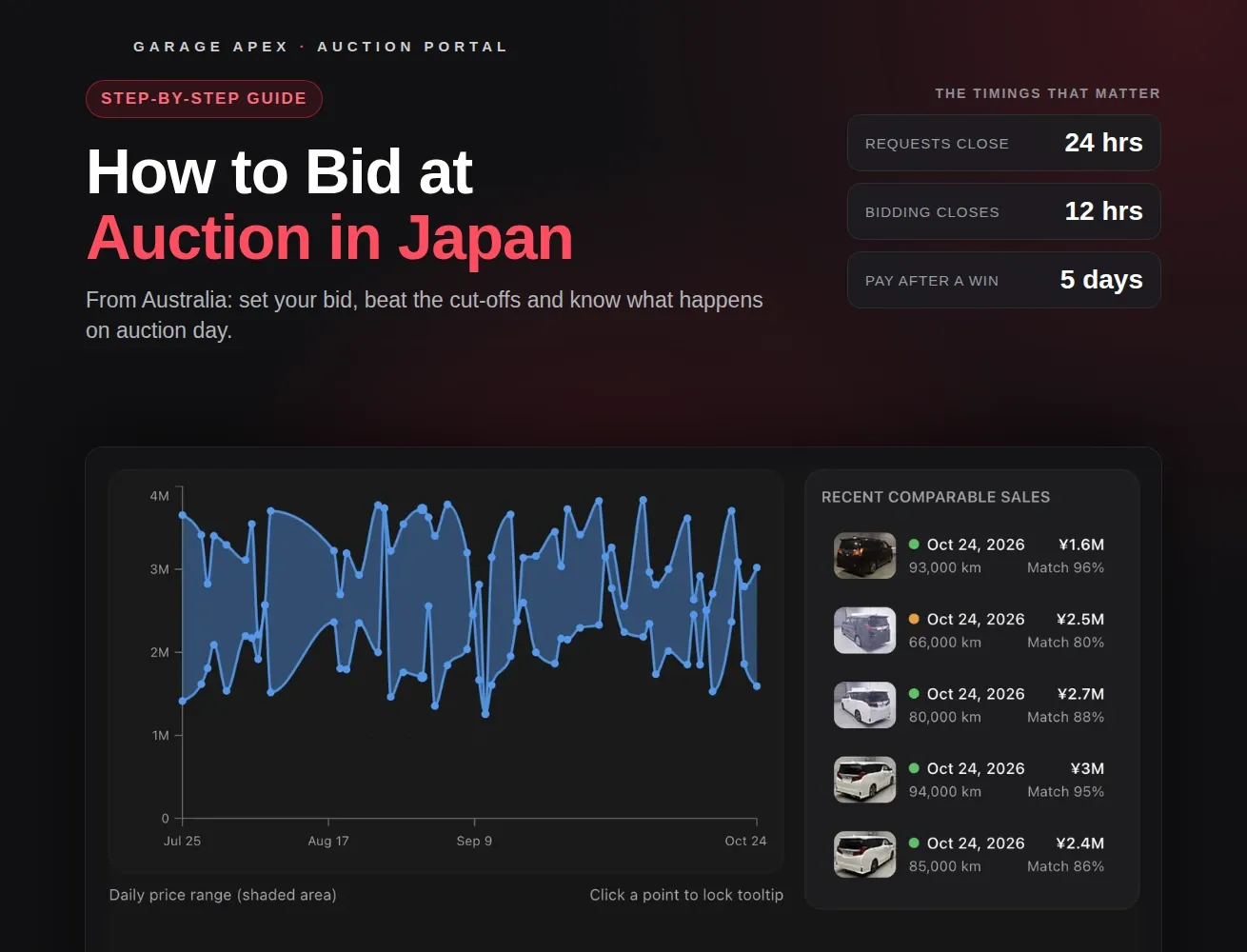
Every account comes with a Garage Apex rep. Message them from the portal, or tap Ask about this car on any eligible model. Your rep can set up searches for you, help you narrow a shortlist and, when you’re ready, prepare a quote. When you find the one, our guide on how to bid at auction in Japan covers the next step.
Start searching: create your free account
Which tools come with which plan
See every plan in our Auction Portal guide.
Frequently asked questions
What is a Dream Car Brief?
A short list of up to 6 cars you want. We watch the auctions every day and show the matches in My Cars. It’s free on every plan.
How often do alerts arrive?
Once a day, as a single email each morning with the matches for your saved searches.
Can I save searches on the Free plan?
No. Saving your own searches needs Standard or Premium, but on Free your rep can set up searches for you, and you’ll get the daily alerts for them.
How do I know a car I find can be imported?
Start from Vehicles We Can Import. Its links show only cars with approved chassis codes, and our team confirms the exact car before you buy.
How many cars are on the Auction Portal?
More than 66,000 lots when we checked on 27 October 2026. The number changes daily as auctions finish and new lots are listed.
Find it before someone else does
Start with what you can import, filter hard, and let alerts and a Dream Car Brief do the watching. It’s all free to start.
Create your free Auction Portal account
*Garage Apex – 54 Miller Street, Epping VIC 3076 | 1300 112 220 | VicRoads approved, ISO9001 certified*